Electronica - Internet Radio1.9.19
Publisher Description
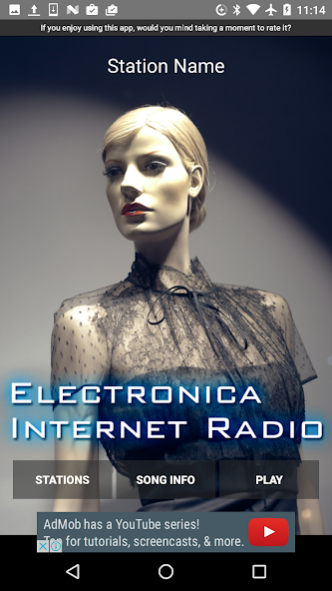
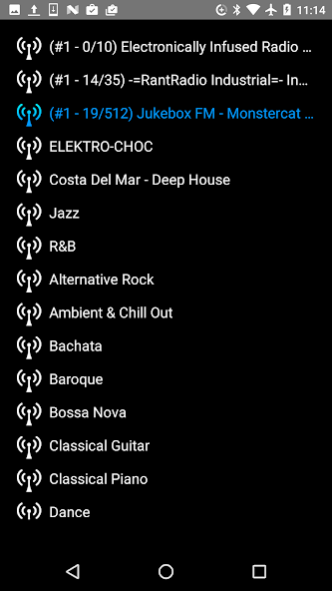
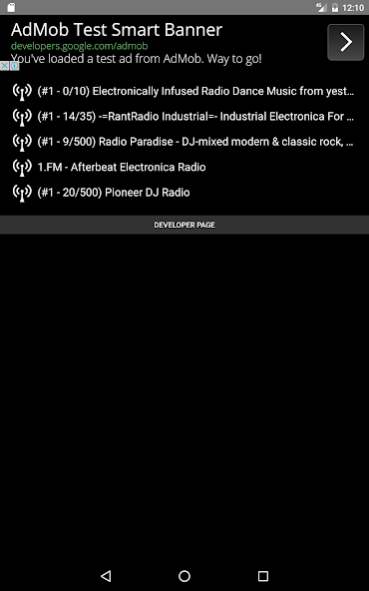
Do you like Electronica, Dance, Trance, Dubstep, Drum'n bass, Noise, Goa, Psychedelic, Progressive, Hardstyle, Gabber, House, Techno, Electro and Dark music?
If you like I recommend you to use this app.
For free! Simply interface!
We choose channels from SHOUTcast radio stations.
Usually another radio app has too much channels. But this app has really only selected channels.
So you would not be confused to choose a channel.
We already picked up the best channels for you.
Please try and use this App. You don't need to think anymore! Just listen it!
The app make you comfortable! :D
We hope you would enjoy to listening to Electronica Music.
Channels:
1.FM - Afterbeat Electronica Radio
Pioneer DJ Radio
Radio Paradise - DJ-mixed modern & classic rock, world, electronica & more - info: radioparadise.com
-=RantRadio Industrial=- Industrial Electronica For Your Mind
Electronically Infused Radio Dance Music from yesterday and Today!
etc.
We update these channels often.
About Electronica - Internet Radio
The company that develops Electronica - Internet Radio is Toshihiko Arai. The latest version released by its developer is 1.9.19.
To install Electronica - Internet Radio on your Android device, just click the green Continue To App button above to start the installation process. The app is listed on our website since 2023-01-02 and was downloaded 19 times. We have already checked if the download link is safe, however for your own protection we recommend that you scan the downloaded app with your antivirus. Your antivirus may detect the Electronica - Internet Radio as malware as malware if the download link to com.apppppp.electronica is broken.
How to install Electronica - Internet Radio on your Android device:
- Click on the Continue To App button on our website. This will redirect you to Google Play.
- Once the Electronica - Internet Radio is shown in the Google Play listing of your Android device, you can start its download and installation. Tap on the Install button located below the search bar and to the right of the app icon.
- A pop-up window with the permissions required by Electronica - Internet Radio will be shown. Click on Accept to continue the process.
- Electronica - Internet Radio will be downloaded onto your device, displaying a progress. Once the download completes, the installation will start and you'll get a notification after the installation is finished.
Program Details
System requirements
Download information
Pricing
Version History
version 1.9.19
posted on 2023-01-02
version 1.9.18
posted on 2020-08-08
Fixed some systems.
version 1.9.16
posted on 2018-11-02
New systems released.
version 1.9.2
posted on 2017-11-25
Fixed Bugs .
version 1.4
posted on 2017-01-24
Add auto display title info. More useful!
